
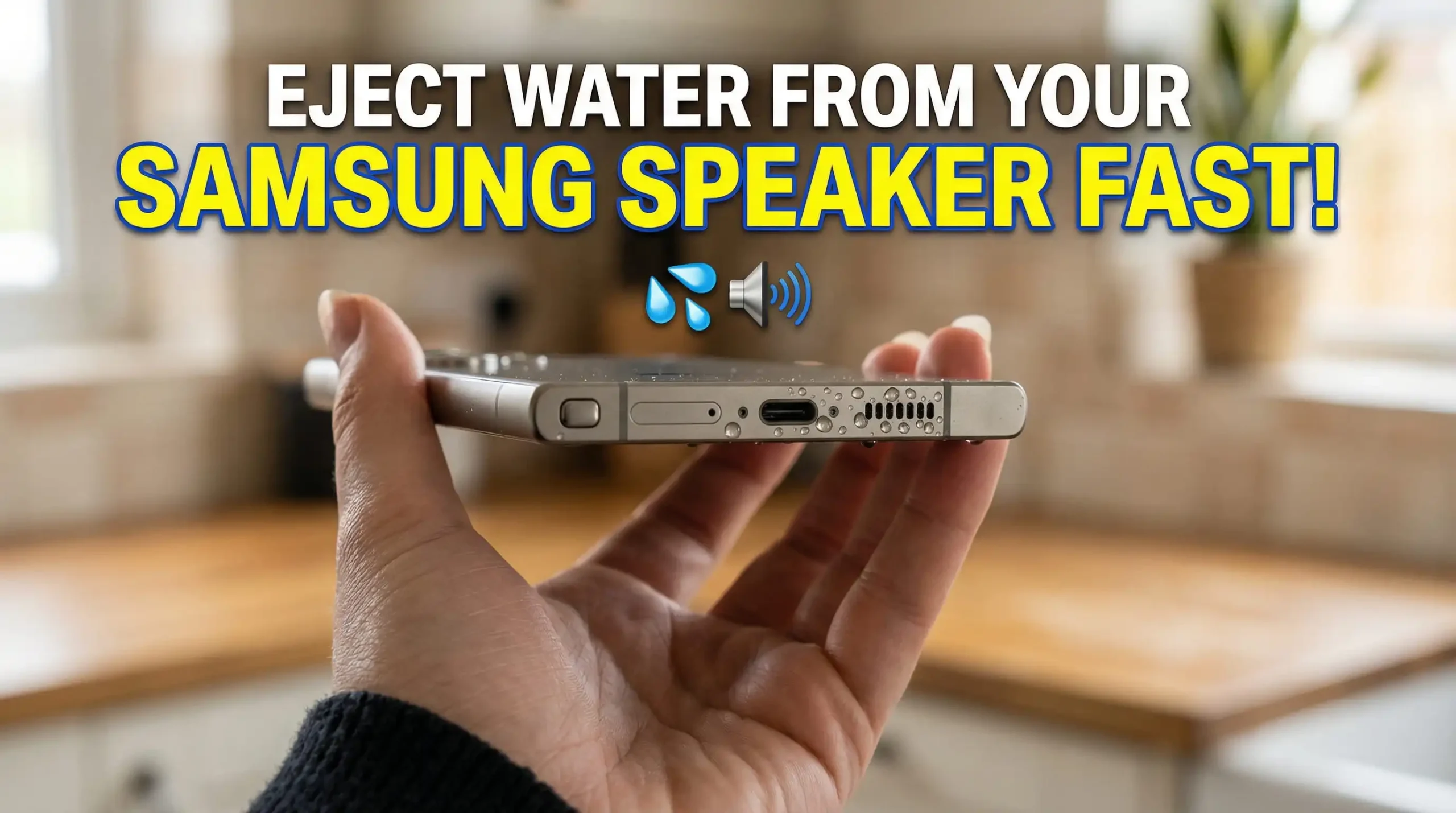
How to Eject Water from Samsung Galaxy Speakers (S21 to S24 Ultra)
Let’s be honest — this happens to almost everyone. You’re using your Samsung phone, maybe in light rain, near a sink, or even just sweating during a workout… and suddenly, the sound isn’t right anymore.
- Your music feels dull.
- Calls sound weird.
- And sometimes, the speaker volume drops like crazy.
At that moment, one question hits your mind:
“Did water get inside my phone speaker?”
If you’re using a Samsung Galaxy S21, S22, S23, or even the S24 Ultra — the answer is probably yes.
But don’t worry. In most cases, your speaker isn’t damaged. It’s just trapped moisture messing with the sound. And the good news? You can fix it yourself — safely and quickly. Let me walk you through everything step by step.
Why Water Affects Samsung Speakers So Easily
Samsung phones (especially S21 to S24 Ultra) come with water resistance — usually an IP68 rating.
Sounds great, right? But here’s the thing most people don’t realize:
- Water-resistant doesn’t mean water-proof.
Your phone might be water-resistant, but that doesn’t mean water can’t get inside the speaker.
What usually happens is simple. Tiny droplets slip into the speaker grill, and once they’re stuck there, they mess with the sound.
- The speaker can’t move properly.
- The sound gets blocked.
- And suddenly everything feels off — low volume, weird distortion, or that dull, muffled sound.
That’s why your phone can look completely dry from the outside but still sound terrible.
First things first – avoid these mistakes
Before trying to fix it, let’s quickly go over what not to do — because this is where most people mess up.
Don’t grab a hair dryer
It feels like a quick fix, but the heat can actually damage internal parts or push the water further inside.
Don’t shake your phone like crazy
That usually spreads the water instead of removing it.
Don’t try to clean it with a tissue, cotton buds, or anything sharp
You can easily damage the speaker mesh, and then you’ve got a bigger problem.
And yeah, skip the rice trick
It might help with moisture in general, but it doesn’t really do much for water stuck in the speaker grill.
If you’ve already tried any of these, it’s fine — just don’t continue. Let’s fix it the right way.
The easiest way to get water out of your Samsung speaker
Now let’s talk about what actually works. Instead of trying random tricks, just use sound. Yeah, it sounds a bit unusual, but it actually does the job.
Method 1: Play a cleaning sound
This is the easiest way to deal with it, and it barely takes a few minutes.
Here’s how:
- Turn your volume all the way up
- Open a speaker cleaner tool
- Tap on start
- Let the sound play for a couple of minutes
- Repeat it two or three times if needed
That’s it.
What’s happening in the background is pretty simple
The sound coming from your speaker actually creates tiny vibrations inside it, and these vibrations help push any trapped water out.
Lower tones are great for shaking things loose, while slightly higher tones help break the water’s grip. If you pay close attention, sometimes you might even spot tiny droplets coming out of the speaker grill.
It doesn’t happen every single time, but when it does, it’s a clear sign the water is being pushed out.
Method 2: Give vibration a little boost
If sound alone isn’t doing the trick, don’t worry.
Switch your phone to vibration mode and let it run for a minute or two.
That extra shake can help dislodge water that’s stuck deeper inside the speaker.
Method 3: Check your audio
After that, play a song, video, or any audio and listen carefully. Does it sound clear? Is the volume back to normal? If yes, your speaker is good to go!
If it does, you’re good to go. If it still seems a bit off, just run the cleaning sound one more time, and it should sort itself out.
- Does it sound clear again?
- Is the volume back?
- Does it feel normal like before?
If yes, you’re good to go. If it still feels slightly off, just run the cleaning sound one more time.
Why this actually works
Your phone speaker has a very thin part inside that moves to create sound.
When water gets in, it sticks there and stops it from moving freely. That’s what causes the muffled sound.
The cleaning sound basically shakes that part just enough to push the water out.
Nothing fancy — just simple physics doing its job.
Real-Life Situations Where This Helps
You’d be surprised how often this happens. Here are some common situations:
- After getting caught in the rain, even a little splash can mess with your sound
- When you use your phone in the bathroom, steam and humidity sneak in easily
- During workouts, sweat slowly builds up inside the speaker
- After an accidental spill, like near the kitchen sink, pool, or a glass of water
In all these cases, running a speaker cleaner tool usually fixes it quickly and easily.
How Long Does It Take?
Most of the time it’s pretty fast:
- First round → you’ll already notice a big improvement
- Second round → it sounds almost normal
- Third round → everything is clear again
Total time? Usually just 5 to 10 minutes max. That’s it!
Pro Tips for Better Results
If you want the best outcome, try these little tricks:
- Keep your phone facing downward while the sound is playing
- Take off your phone case
- Wipe around the speaker area with a dry cloth
- Run the cleaning sound 2–3 times
These small steps really make a difference.
When It Might NOT Work
Let’s be real — this method fixes it for most people, but not every single time. If your phone has:
- Actual physical damage to the speaker
- Some internal hardware problem
- Long-term corrosion from old water damage
Then the sound might not fully fix it. In that case, you’ll probably need to take it to a professional repair shop.
How to Prevent This Problem in the Future
Once your speaker is working again, here’s how to stop it from happening again:
- Try not to use your phone in heavy rain
- Keep it away from steam for too long
- Clean the speaker once a week with the cleaner tool
- Make it a habit to run the water eject sound regularly
Think of it like regular maintenance — just like wiping your screen.
Final Thoughts
If your Samsung speaker suddenly sounds low, muffled, or distorted — don’t stress. Most of the time, it’s not broken. It’s just water or dust trapped inside.
Instead of messing around with rice or risky tricks, just use a speaker cleaning sound. It’s fast, safe, and actually works.