
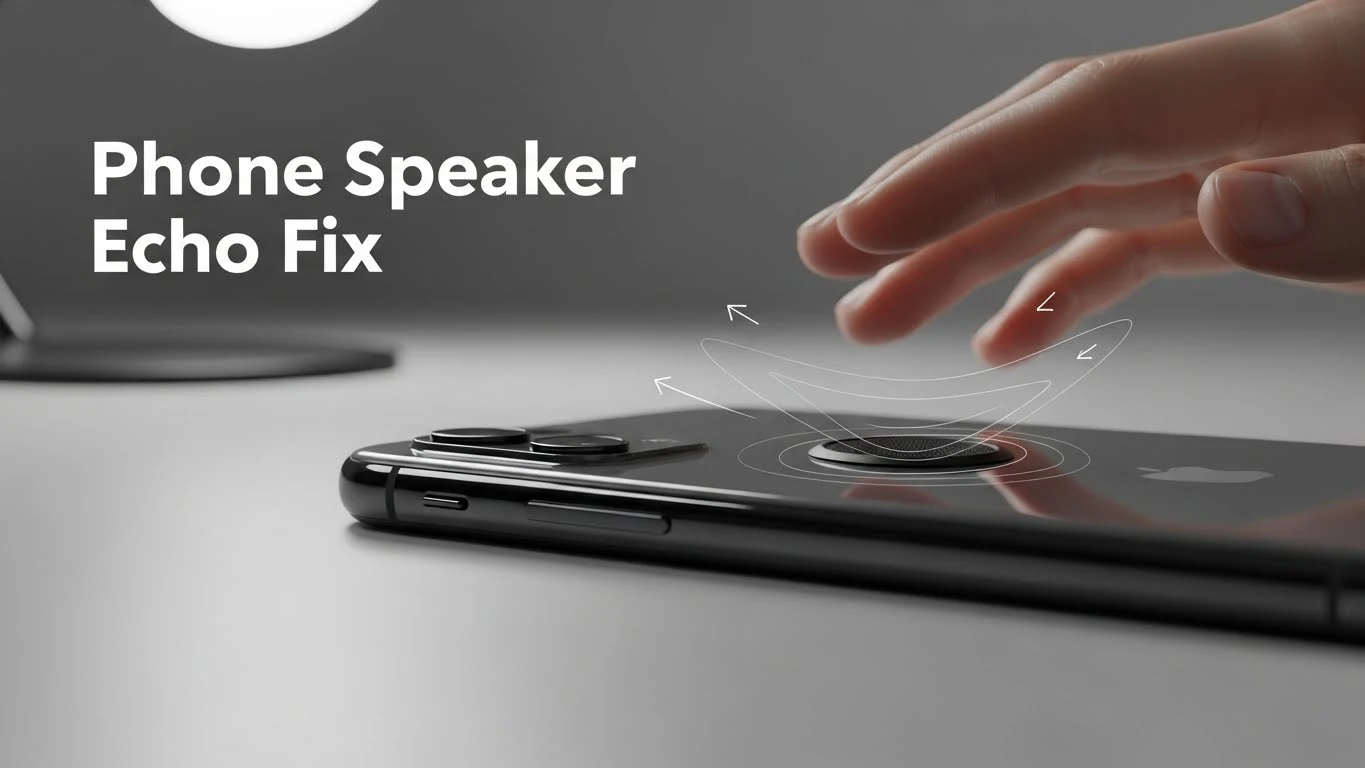
Phone Speaker Echo Problem Fix – How I Actually Solved It (No Guesswork)
I’ll be honest — phone speaker echo is one of the most annoying sound problems. I’ve ever dealt with. You play a video, make a call, or put someone on speaker mode… And suddenly your phone starts sounding like it’s inside a tunnel.
- The voice repeats.
- Sound feels hollow.
- Everything echoes back.
At first, I thought my speaker was damaged. But after facing this issue more than once, I realized something important:
- Phone speaker echo is rarely a serious hardware failure.
- Most of the time, it’s a fixable problem — if you understand what’s causing it.
Let me explain this properly, the same way I wish someone had explained it to me earlier.
What Does Speaker Echo Actually Mean?
When your phone echoes, it’s usually because: The sound coming out of your speaker gets picked up by the microphone… again. Then your phone sends that same sound back to the other person. And bam — you’ve got an echo.
So the speaker isn’t necessarily broken. It could be:
- Phone settings
- Where you are (like a tiled bathroom)
- Something is blocking the mic
- Moisture in the mic hole
- Or just a weird software glitch
The Real Reasons Behind Phone Speaker Echo (From My Experience)
1. Speakerphone Feedback (Most Common)
This happens a lot during calls.
If:
- Speaker volume is too high
- The phone is close to a hard surface
- Mic is facing the speaker output
Sound loops back into the mic and creates an echo. That’s not damage — it’s feedback.
2. Dirty or Blocked Microphone
People always focus on the speaker and forget the mic. Alright, so if the microphone hole:
- Is clogged with dust
- Is partly blocked by your phone case
- Gets damp or has condensation in it
…then your phone can’t pick up sound properly. That’s what causes that weird echo or hollow sound during calls.
3. Water or Moisture Inside the Speaker or Mic
Absolutely. Even a little bit of moisture can mess with the sound. I’ve noticed echo trouble after stuff like:
- Using the phone in the bathroom (steam!)
- Being out in light rain
- Wiping the phone down with a damp cloth
The sound ends up bouncing around inside instead of coming out clearly.
4. Software or Audio Processing Glitches
Sometimes the echo just pops up out of nowhere. It can happen after:
- A system update
- You install a new audio or calling app
- There’s a weird Bluetooth or audio routing glitch
In these cases, the phone’s hardware is totally fine — it’s just the software getting a little confused.
5. Poor Phone Case Design
Some cases:
- Cover mic holes
- Reflect sound back
- Trap vibrations
I’ve personally fixed the echo just by removing the case.
What I Do First to Fix Phone Speaker Echo
Step 1: Lower the Speaker Volume Slightly
This may sound simple, but it works more often than you might expect. If the speaker is too loud:
- Sound leaks into the mic
- Echo appears instantly
Lowering the volume reduces the feedback loop.
Step 2: Change Phone Position During Calls
I never place my phone:
- Flat on a table
- Near walls
- Facing hard surfaces
I either:
- Hold it slightly angled
- Keep the mic uncovered
- Use hands-free properly
Small changes = big difference.
Cleaning Fix (This Solved It for Me Once)
Step 3: Clean both the speaker and the microphone gently
I don’t use pins or needles.
What I use:
- Soft brush
- Gentle strokes
- Light air bursts if available
Dust in the mic causes more echo than dust in the speaker — most people don’t realize this.
If Water Was Involved (Very Important)
Step 4: Dry the Phone Properly
I never rush this part.
What I avoid:
- Hair dryer
- Rice
- Direct heat
What I do:
- Turn the phone off
- Keep it in open airflow
- Speaker and mic facing downward
- Wait patiently
After drying, the echo often disappears on its own.
Sound Reset Method That Helped Me
For the full, tested speaker fixes, check out Speaker Cleaner
Step 5: Restart and Reset Audio Path
I always:
- Turn Bluetooth off completely
- Restart the phone
- Test sound using:
- Calls
- Voice recorder
- Videos
This clears stuck audio routing that causes echo.
When I Test if It’s Hardware or Not
I do a simple check:
- Record voice using a voice recorder
- Play it back on the speaker
- Then test with headphones
If:
- Echo only happens on the speaker
- Headphones sound clean
Then it’s speaker/mic interaction, not full hardware failure.
When Echo Means Real Hardware Damage
I only suspect hardware damage if:
- Echo is constant and extreme
- Sound crackles with echo
- Mic recordings sound distorted everywhere
- Phone suffered a hard drop or deep water damage
Even then, it’s often a mic or speaker module, not the whole phone.
Common Myths I Ignore Now
- “Echo means the speaker is blown.”
- “You need to replace the phone.”
- “Max volume fixes echo.”
- “Software updates never cause sound issues.”
Most echo problems are environmental or fixable.
What I Do Now to Prevent Speaker Echo
After facing this issue, I changed a few habits:
- I keep mic holes clean
- I don’t place the phone flat during calls
- I avoid bathroom usage
- I remove the case if the sound feels weird
- I don’t use max speaker volume unnecessarily
Since then, the echo hasn’t returned.
My Honest Final Thoughts
Phone speaker echo is frustrating — but it’s not a death sentence for your phone.
In most cases:
- Your phone isn’t broken.
- Your speaker isn’t destroyed.
- Something is interfering with clean sound.
Once you understand that, fixing the problem becomes much easier.
- No drama.
- No fake fixes.
- Just calm troubleshooting that actually works.