
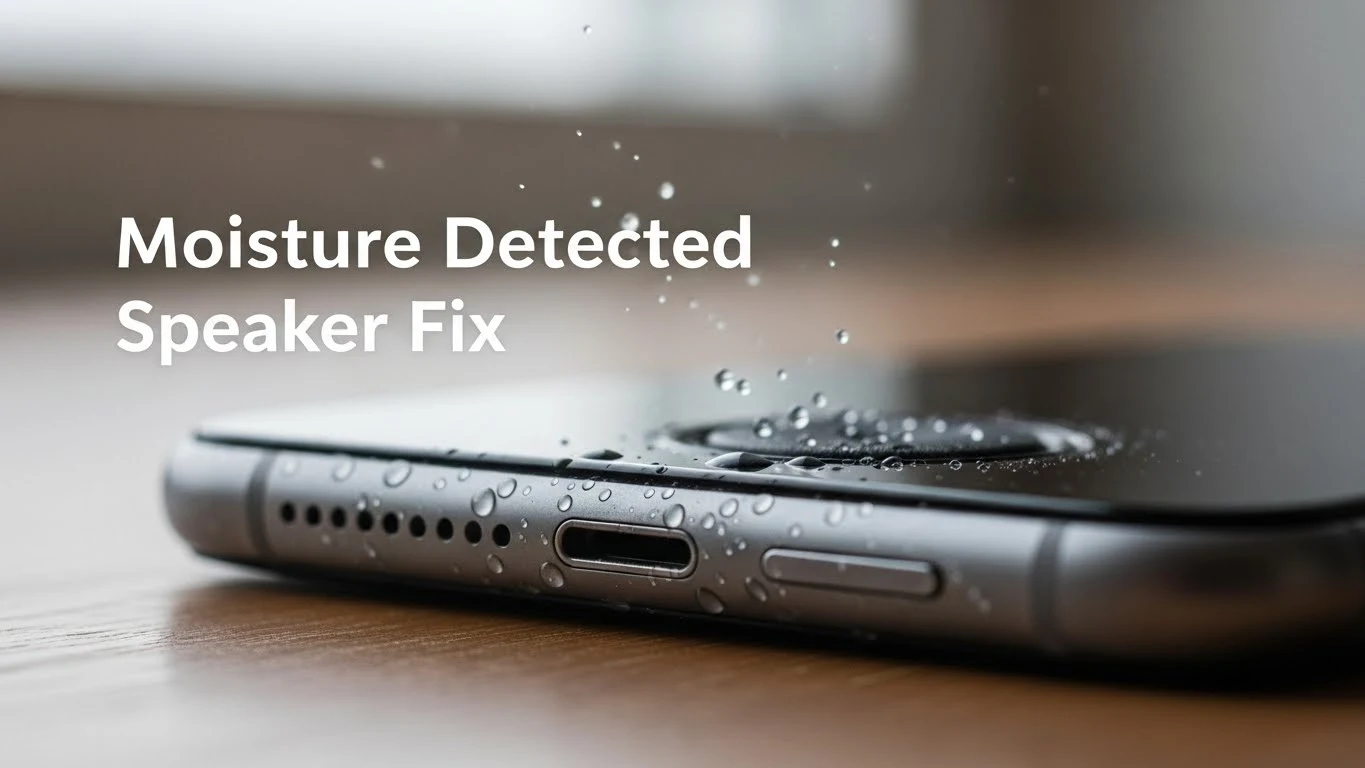
Moisture Detected Speaker Fix – What Actually Works
This “moisture detected” thing is honestly annoying. You pick up your phone, everything looks fine, no water dropped, no accident… and suddenly the sound feels low, weird, or the phone itself starts acting cautious. Sometimes audio doesn’t play properly, sometimes volume feels restricted, sometimes there’s a warning. I’ve faced this more than once, and I know how confusing it feels.
Let me clear one thing first:
- Most of the time, this is not damage.
- It’s just your phone being extra careful.
This article is not going to scare you or throw technical words at you. I’ll just explain what’s happening and what actually helps, based on real use, not theory.
What “Moisture Detected” in the Speaker Really Means
When a phone says or behaves as if moisture is detected near the speaker, it usually means one of three things:
- There is actual moisture inside the speaker grill
- There is humidity or condensation, not water
- The phone’s sensor is reacting to a recent environmental change
That’s it.
It doesn’t automatically mean your speaker is damaged or dying. People think water damage only happens when you drop your phone in water. That’s not true. Steam, sweat, rain mist, and even keeping your phone in a humid room can trigger this.
Situations Where This Commonly Happens
From my experience (and many others), moisture detection usually shows up after:
- Using the phone in the bathroom (steam is a big culprit)
- Light rain exposure
- Gym workouts (sweat + heat)
- Sudden temperature changes (cold AC room → hot outside)
- Talking on the phone for a long time in hot weather
Sometimes you don’t even notice anything at that moment. The issue appears later.
First Thing You Should NOT Do
Before we address the fixes, let’s discuss the mistakes. Because these actually make things worse.
Do NOT:
- Blow hot air with a hair dryer
- Put the phone on a heater
- Play a very loud sound immediately
- Shake the phone aggressively
- Assume rice will magically fix everything
Sometimes you don’t even notice anything at that moment. The issue appears later.
What Actually Helps (In Real Life)
Now let’s talk about things that genuinely work.
1. Stop Using the Speaker for a While
This sounds too simple, but it matters. If your phone recently detected moisture:
- Stop playing loud audio
- Don’t test it again and again
- Give it some breathing time
Phones need time more than tricks. Even 30–60 minutes of rest can make a difference.
2. Let the Phone Dry Naturally (Correct Way)
Place your phone:
- On a table
- Speaker side facing down
- In a dry room with airflow
No sunlight. No fan directly on it. No heat. Natural evaporation is slow but safe. Most moisture issues resolve right here if you’re patient.
3. Sound Frequency Cleaning (This One Is Actually Useful)
This is one thing that surprised me the first time. Playing specific sound frequencies causes the speaker to vibrate in a way that pushes moisture out. It’s not magic — it’s just physics.
How to do it properly:
- Increase volume to high (not insane max)
- Play a speaker-cleaning sound
- Let it run for about 1 minute
- Pause, then repeat once or twice
Don’t spam it. Don’t run it for 10 minutes straight. Used correctly, this helps a lot when water is trapped inside the speaker grill.
4. Gentle Movement (Not Shaking)
Hold the phone securely and:
- Tilt it slightly
- Speaker facing downward
- Small, controlled movement
You’re helping gravity, not fighting the phone. Aggressive shaking does more harm than good.
5. Silica Gel Over Rice (If You Have It)
Rice is popular, but honestly, it’s not that great. If you have silica gel packets (those little packets that come with shoes or electronics):
- Put the phone in a box
- Add silica gel around it
- Close the box and wait a few hours
This actually absorbs moisture instead of just surrounding it.
Why the Speaker Sounds Muffled After Moisture
Even if your phone feels dry, the speaker might still sound:
- Soft
- A bit muffled
- Not as sharp as usual
That’s usually because:
- Tiny drops of water are still stuck inside
- Dust and moisture can mix and block some sound
It’ll often go back to normal once the speaker dries all the way. So try not to stress—just give it a little more time.
When You Should Be Concerned
In rare cases, moisture issues don’t resolve easily. You should consider professional help if:
- Sound is distorted even at low volume
- Buzzing or crackling continues for days
- Speaker volume never comes back
- The phone was exposed to water for a long time
This could mean corrosion has started internally. Still, this is not the common case.
One Important Thing People Ignore
Water resistance is not permanent. Even phones that claim water resistance:
- Lose it over time
- After drops
- After repairs
- After long-term heat exposure
So if your phone handled water fine before but reacts now, that’s normal.
How to Avoid This Problem in the Future
You can’t avoid moisture completely, but you can reduce the chances a lot.
Simple habits:
- Don’t use the phone in steamy bathrooms
- Wipe speaker grills after workouts
- Avoid taking calls with sweaty hands
- Keep the phone dry after rain exposure
- Don’t test water resistance on purpose
Phones are tough, but not invincible.
Final Words (Real Talk)
A “moisture detected” speaker issue is more about patience than tricks. Most people ruin their speakers not because of water, but because they panic and use heat, force, or bad advice. Slow drying, gentle handling, and sound vibration work in most cases. And when they don’t, at least you know you didn’t make things worse. If your phone still works and the sound slowly improves, you’re on the right track. That’s it. No drama. No fake promises. Just how it really is.