
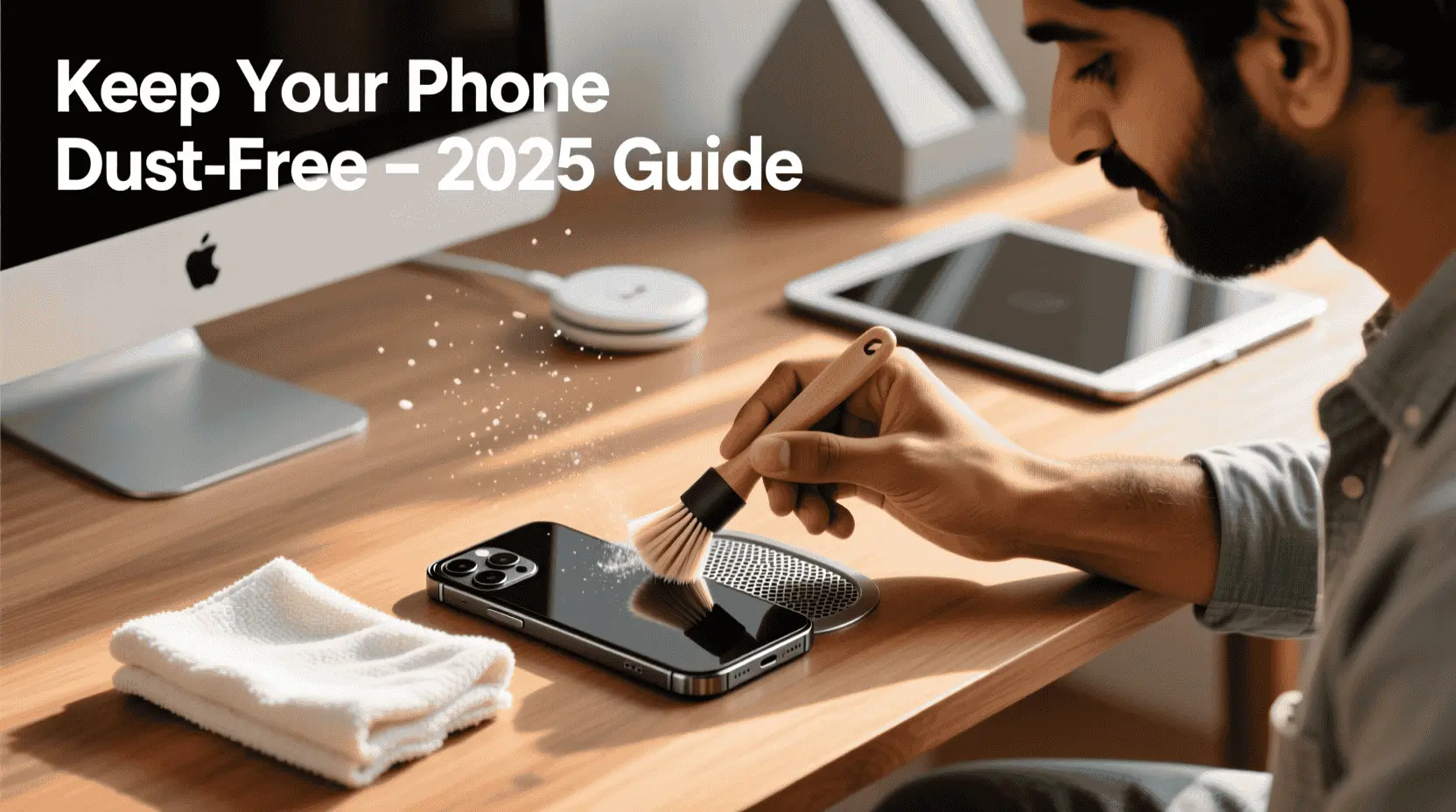
How to Keep Your Phone Dust-Free in 2025 (Full Guide for Indian Users)
You know, when you take your phone out of your pocket and the speaker sounds a little fuzzy, or your charger just won’t plug in right? Most of the time, the problem is just dust.
In a lot of India, like in dusty cities such as Delhi or Jaipur, or out in the countryside, tiny dust particles get everywhere. They love to sneak into the small holes in your phone—the speaker grills, the charging port, and even the camera. If you let it build up, all that dirt doesn’t just make your phone sound muffled or charge slowly; it can actually cause permanent damage to the parts inside.
So let’s talk about how you can keep your phone dust-free, what to do (and what not to do), and how to clean it safely — step-by-step.
Why Dust Is a Bigger Problem in India (and Why You Should Care)
Before we jump into solutions, let’s understand the “why.”
- Environmental factors: Most regions in India face dry weather, unpaved roads, and pollution, which means fine dust particles float everywhere.
- Pocket friction: Be careful when dropping your phone in your pocket. It might be convenient, but all that movement grinds fabric fluff and dust from your jeans right into the little holes on your phone. This is a really common way those ports and speakers get blocked.
- Fan + open window combo: If you leave your phone on a table with a fan and a window open, watch out. The breeze doesn’t just cool you down—it blows dust straight into all the little holes on your phone.
- Humidity and pollution mix: That sticky, humid air during the monsoon is a real pain. It makes dust cling to your phone like glue, so it doesn’t just blow away easily. Once it’s stuck on, it’s much harder to wipe off later, leaving a grimy layer that’s tough to clean.
Bottom line: In India, dust isn’t just an aesthetic issue — it’s a performance and longevity problem.
Common Dust-Affected Parts of a Smartphone
- Speaker grills – cause muffled or distorted sound.
- Charging port – makes your cable loose or charging unstable.
- Microphone holes – affect call clarity.
- Earpiece – reduces voice loudness during calls.
- If dust gets on your camera lens, your photos won’t be as clear. It can make all your pictures look a little blurry or spotty.
- SIM tray and buttons – may become sticky or hard to press.
Step-by-Step: How to Keep Your Phone Dust-Free
Step 1: Use a High-Quality Phone Case (But Not Just Any Case)
- Pick a case with precise port covers — brands like Spigen, Ringke, and Caseology make dust-proof designs.
- Avoid super-cheap transparent cases that loosen over time; they trap dust inside rather than keep it out.
- If you work in a construction site, warehouse, or travel a lot, go for rugged or shockproof cases with built-in seals.
Pro Tip: Every few days, remove your case and wipe the phone edges gently. Dust gets trapped between case edges and metal frames.
Step 2: Use Anti-Dust Plugs for Charging and Headphone Ports
Yes, these tiny accessories make a big difference.
- You can buy anti-dust silicone plugs online (Amazon India, Flipkart, or local markets).
- Insert them in your USB-C or Lightning port when not charging — they block micro-dust completely.
- Many plug sets also come with a mic and SIM tray covers.
User-tested tip: Choose slightly firm silicone plugs; cheap soft ones fall off easily.
Step 3: Clean Your Phone Weekly (Safely!)
Cleaning is not about rubbing with a tissue — do it the right way.
You’ll need:
- A soft microfiber cloth (like for glasses)
- A soft-bristled brush (makeup brush or anti-static electronic brush)
- Optional: a small air blower or bulb syringe (not compressed gas)
How to clean:
- Turn off the phone.
- Gently brush around speaker grills and ports — don’t push the dust inside.
- Use short bursts of air from a hand blower to dislodge fine dust.
- Wipe the phone body and screen with a slightly damp microfiber cloth (water only, no alcohol).
- Dry with a clean side of the cloth.
- Never use needles, toothpicks, or metal pins — they can tear the speaker mesh or damage sensors.
Step 4: Avoid Dusty Habits
Small lifestyle changes prevent 90% of the problem:
- Don’t keep your phone face-up on dusty surfaces — always place it screen-down on a clean cloth.
- Avoid using your phone while cooking or eating snacks — tiny oil particles attract dust later.
- Don’t leave your phone in open bags or on beds with fibers flying around.
- Never keep it under a fan or near windows during cleaning or while sweeping floors.
Step 5: Use Online Speaker Cleaners Occasionally (Optional)
Sometimes, even with the best care, a bit of dust clogs the speaker mesh. In that case, you can try online speaker cleaning tools that play sound-vibration frequencies to push dust outward.
Trusted ones (2025 tested):
- Our Speaker Cleaner Tool
- OnlineToneGenerator.com (Water Eject Frequency: 165 Hz)
- AudioCheck.net Speaker Test
Just keep the phone volume full, face the speaker down, and play the tone for 30–60 seconds. Repeat twice if needed — but if sound distortion continues, get professional cleaning.
Step 6: Maintain It Like a Pro (Long-Term Habits)
- Clean your pockets and bag interiors weekly. (Even lint from fabric is enough to block charging ports.)
- Don’t use your phone in extremely dusty environments (construction, festivals, etc.) without a dust-proof case.
- Avoid pocketing your phone with keys or coins — friction + dust = scratches and mesh clogging.
- During monsoon or after travel, wipe your phone’s body and charging port with a dry cloth.
Extra: Myths You Should Avoid
Bonus Tips for Advanced Users
- Use IP68-rated phones if dust resistance matters — they’re sealed better.
- If you have a non-removable back, don’t open it yourself for cleaning — visit an authorised service centre yearly for internal dust removal.
- Add screen protectors with anti-static coating — less static means less dust attraction.
Recommended Dust-Protection Tools (for Indian Users)
| Product | Purpose | Where to Buy |
| Spigen Tough Armor / Ringke Fusion-X | Case with port covers | Amazon / Flipkart |
| Silicone Dust Plug Set | USB-C, SIM tray, mic cover | Amazon India |
| Hand Air Blower / Bulb Syringe | Safe dust removal | Camera shops, online |
| Microfiber Cleaning Cloth | Daily wipe | Local electronics or eyewear stores |
| Anti-Static Cleaning Brush | Speaker & grill cleaning | Amazon India |
Final Thoughts
You don’t need to be perfect to keep your phone safe from dust here in India; you just need to be consistent. Just a quick, five-minute clean once a week can really help. This simple habit stops your speakers from getting fuzzy, your charger from fitting loosely, and can save you from very costly repairs later on. Think of your phone like a car – a little regular care keeps it running well for a long time.