
How to Fix Muffled Speaker Sound on Android (2025 Complete Guide)
So your phone speaker suddenly sounds low, dull, or just plain muffled? Happens to everyone, bro. You drop it once, maybe it caught some dust, or you took it in the bathroom while watching reels — and boom, your sound feels trapped.
Don’t worry. I’ve been there. Here’s exactly how I fix that muffled speaker sound — step by step — no fancy talk, just what actually works.
First things first — check the basics
Before you start poking or cleaning your phone, try these quick moves. Half of the time, the issue is just some silly setting.
- Restart the phone: Sounds basic, but it actually resets the audio system.
- Take off your cover or case: Some covers block the speaker holes without you even noticing.
- Turn off Bluetooth: Your phone might still be connected to a speaker or earbuds you used earlier.
- Turn up the volume for the media: Not calls — media. Check all the volume sliders.
- Check Do Not Disturb: If it’s on, your phone might be quieting down media too.
Play a song you know well. If it still sounds bad, let’s go a little deeper.
Check where the sound is messed up
You gotta figure out exactly what’s muffled—calls, music, or both.
- Play a YouTube video or music through the loudspeaker.
- Make a normal call, then try putting it on speaker.
- Try wired headphones — if the sound’s clear there, your phone speaker is the problem.
- Turn off Bluetooth just in case sounds are being sent somewhere else.
If it’s only muffled on the loudspeaker, you already know — it’s time to clean.
If it gets wet or feels muffled after water
Most phones get muffled right after water touches them — rain, washing hands, steam from the shower, or even sweat.
Here’s what to do right away:
- Don’t poke it with pins or blow too hard. You’ll push water deeper.
- Keep the phone speaker-side down and gently shake it.
- Play those “speaker cleaner” sounds you find online — the buzzing tone that helps push water out.
- Wipe it properly and let it dry in the open air. Silica gel is good; rice is overrated.
- Be patient — wait at least 2–3 hours before testing again.
Once dry, test again. Usually, it clears up like magic.
Clean the speaker grill (this is the real fix)
This one works in most cases. Dust and lint are everywhere, and they sit right on the speaker mesh.
What you’ll need:
- Soft toothbrush or clean paintbrush
- Toothpick or SIM ejector pin (for gentle use only)
- Microfiber cloth
- Optional: a small air blower or compressed air
How to clean:
- Switch off your phone.
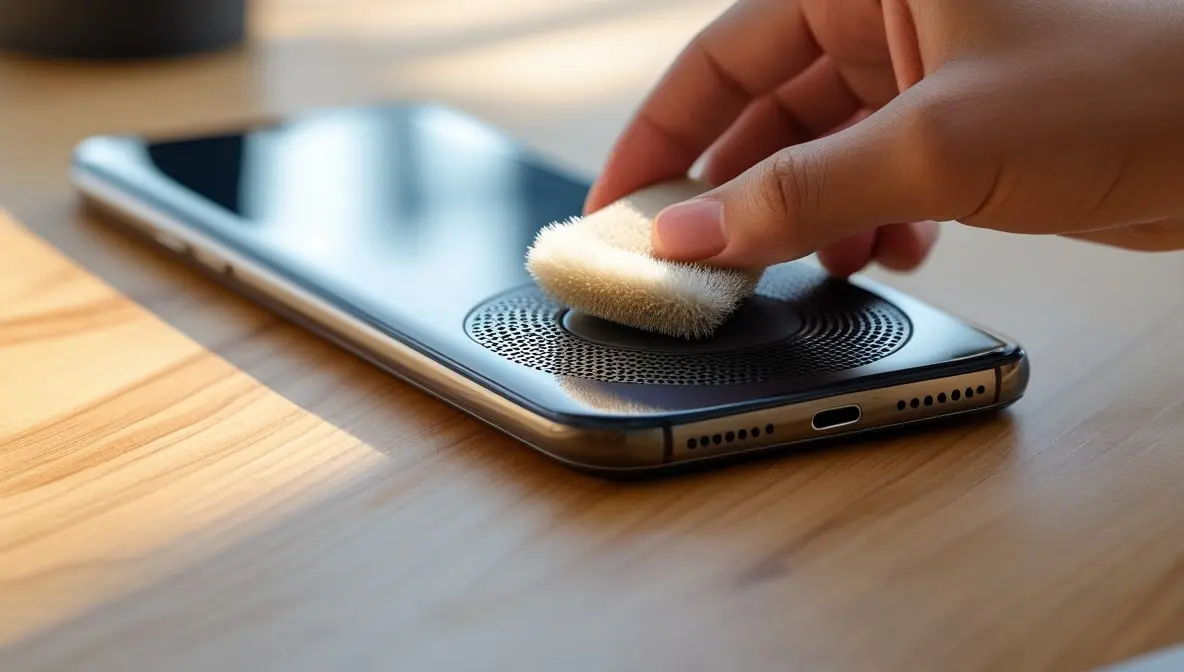
- Use the brush and sweep the speaker holes gently. Don’t press too hard.
- If you see gunk stuck, use a toothpick very lightly and drag the dirt out.
- Wipe the area with a microfiber cloth.
- Give small air puffs to remove leftover dust.
Turn your phone on, play a song again — you’ll literally feel the sound open up.
When it’s still muffled — software tweaks
If cleaning didn’t fix it, let’s rule out software bugs.
- Boot your phone into Safe Mode — this turns off all apps. If sound is clear here, then one of your apps is messing things up.
- Check Sound Enhancer or Equalizer apps — reset or uninstall them.
- Go to Settings → Accessibility → Audio and make sure “Mono Audio” is off.
- Update your system software. Sometimes it’s just a glitch fixed in a patch.
- If nothing helps, reset sound settings (don’t factory reset yet).
Check your mic too (if people say you sound muffled)
Sometimes the problem’s not what you hear, but what others hear. Mic holes (especially at the bottom) get clogged with lint or dust.
Take that same brush and lightly clean the little mic hole near the charging port. Don’t dig too deep — just clean the surface. Then record a short voice note and listen back.
If your voice is still muffled, the mic might be damaged — a small part, easy fix at the service center.
Still not fixed? Could be hardware.
If you’ve tried everything — cleaned, dried, reset, tested — and your sound is still dull, then yeah, it’s probably the speaker module itself.
Some signs it’s hardware:
- Crackling sound when the bass hits.
- Volume drops randomly.
- No improvement after cleaning.
If it’s under warranty, don’t open it. Just get it replaced. If not, local repair shops can change speaker modules pretty cheaply — just make sure they use original parts.
Keep your speaker safe next time
- Clean your speaker grill every few weeks.
- Avoid using your phone in humid bathrooms.
- Don’t listen at full volume all the time — it stresses the speaker.
- Keep a soft case that doesn’t block the holes.
Little care goes a long way.
Final Words
Most of the time, a muffled speaker isn’t some big issue. It’s just dust, water, or a small bug in the system. A soft brush and a few minutes of patience can save you from wasting money at repair shops.
I’ve fixed mine plenty of times with these simple tricks — no tools, no drama. So next time your Android sounds dull, take a breath, follow this guide, and fix it like a pro.