
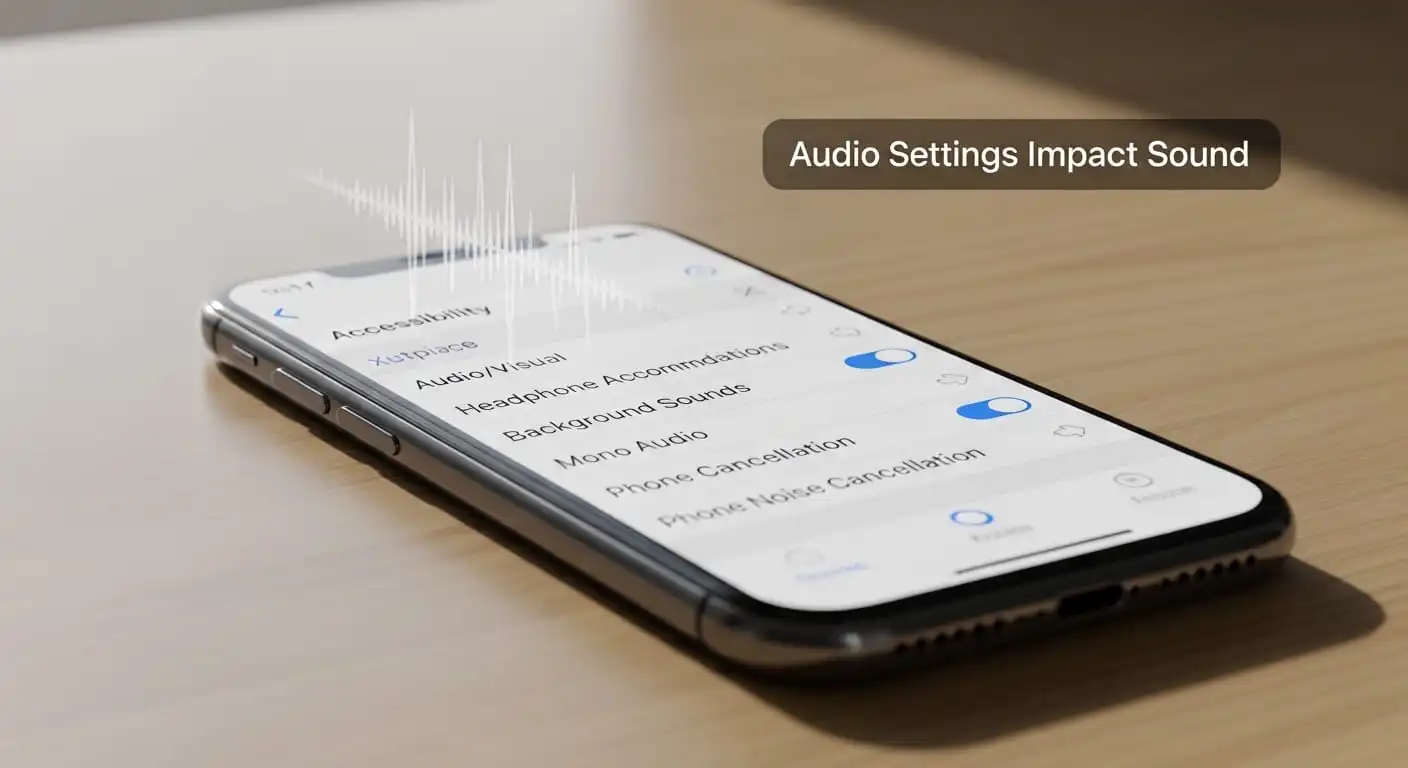
Accessibility Settings Ruining Speaker Sound? Here’s What I Discovered
Have you ever played your favorite song and felt like something just wasn’t right? Maybe the sound felt muffled, unbalanced, too loud in one ear, or strangely flat. The first thought that usually comes to mind is simple: “My phone speaker must be damaged.” I used to think the same thing.
But after testing different phones and playing around with settings, I noticed something interesting. In many cases, the speaker wasn’t broken at all. The real problem was hiding inside the accessibility settings.
These settings quietly change how audio works. They are designed to help people with hearing or vision challenges, but when they turn on accidentally, they can completely change the way your speaker sounds.
In this guide, I’ll explain how accessibility settings can ruin speaker sound, why it happens, and what you can do to fix it quickly.
What Are Accessibility Settings?
Accessibility settings are built-in tools that make smartphones easier to use for different people.
Manufacturers add them to help users who have:
- Hearing difficulties
- Vision impairments
- Mobility challenges
- Sensitivity to loud sounds
These tools can change things like:
- Audio balance
- Mono audio
- Sound amplification
- Speech enhancement
- Subtitles and captions
When someone actually needs these features, they are extremely useful. But if one of these options gets enabled accidentally, it can change how your phone’s speakers behave.
That’s when people start wondering:
“Why does my speaker suddenly sound weird?”
Signs Accessibility Settings Are Affecting Your Speaker
Before assuming your speaker is damaged, look for these common signs. I’ve seen these issues happen many times when accessibility settings are turned on.
Sound Comes From Only One Side
If the audio plays louder from the left or right side, your audio balance might have shifted.
Music Sounds Flat or Weak
If mono audio is enabled, your phone merges the left and right channels into one. Music loses its depth and sounds less immersive.
Volume Feels Strange
Sometimes the volume feels too quiet, then suddenly louder. Some accessibility features control dynamic sound levels, which can cause this behavior.
Voices Sound Odd in Videos
Speech enhancement tools adjust certain frequencies to make voices clearer. However, they can also distort music and movie audio.
Audio Changes Between Apps
Sometimes the sound feels normal in one app but strange in another. Accessibility tools can interact differently with certain apps.
If you notice these signs, there is a good chance accessibility settings are responsible.
Accessibility Settings That Can Affect Speaker Sound
After testing many phones, I found that a few specific settings cause most of the audio problems.
Mono Audio
Mono audio combines the left and right audio channels into a single channel.
This feature helps people who can hear only in one ear. However, it removes stereo sound.
Because of that:
- Music feels flat
- Directional sound disappears
- Instruments blend
For music lovers, this setting can make the speaker feel much weaker than it actually is.
Audio Balance
Audio balance controls how sound splits between the left and right speakers.
If the slider moves too far to one side, the sound becomes uneven. One speaker becomes louder while the other becomes quieter.
Many users change this setting accidentally without noticing it.
Sound Amplification
Some smartphones include a feature that boosts quiet sounds while reducing loud sounds.
This can help people with hearing difficulties, but it can also create:
- Distorted audio
- Unnatural volume levels
- Reduced bass
When this happens, the speaker may sound thin or inconsistent.
Hearing Enhancements
Modern phones sometimes include hearing enhancement tools that adjust sound frequencies.
These features are useful for making speech clearer, but they can also make music sound sharp or tinny.
Live Caption Processing
Features like live caption analyze audio in real time. In some situations, they slightly change how audio passes through the system.
This doesn’t always affect sound, but it can sometimes create small changes in audio output.
How Accessibility Settings Get Turned On Accidentally
A lot of people ask the same question:
“I never enabled these settings. How did they turn on?”
Here are some common reasons.
Accidental Pocket Touches
Buttons sometimes get pressed while the phone sits in your pocket.
Software Updates
System updates can occasionally change settings or reset preferences.
Accessibility Shortcuts
Many phones activate accessibility features when you press certain buttons multiple times.
Someone Else Using the Phone
A family member might enable a setting without realizing it changes audio behavior.
The good news is that fixing the issue usually takes less than a minute.
How to Fix Speaker Sound Caused by Accessibility Settings
Whenever I notice a strange speaker sound, I follow these simple steps.
Step 1: Open Accessibility Settings
First, go to:
Settings → Accessibility
This section contains all features that affect audio adjustments.
Step 2: Check Audio Balance
Look for Audio Balance or Left/Right Balance.
Make sure the slider sits exactly in the center.
If it moves to one side, simply bring it back to the middle.
Step 3: Turn Off Mono Audio
Find the Mono Audio option.
If it’s enabled, turn it off.
This restores full stereo sound, which makes music and videos sound much better.
Step 4: Disable Sound Amplification
Look for options like:
- Sound Amplifier
- Hearing Enhancement
If you don’t need them, turn them off. Your speaker should sound more natural immediately.
Step 5: Restart the Phone
After changing the settings, restart your phone.
A restart clears temporary audio processing issues and helps apply the changes properly.
Extra Things I Always Check to Improve Speaker Sound
If accessibility settings were causing the problem, fixing them would help a lot. But I usually check a few extra things as well.
Clean the Speaker Grill
Dust and lint often collect in the speaker holes.
I normally use:
- A soft brush
- A microfiber cloth
- Gentle air blowing
Avoid using sharp objects because they can damage the speaker.
Remove Water From the Speaker
If your phone recently got wet, water might still sit inside the speaker.
Playing low-frequency sound waves can push water out through vibration. Many people use speaker cleaner tools for this.
Check Music App Settings
Some music apps include built-in equalizers or audio effects.
Try turning them off temporarily to see if the sound improves.
Update the Phone
Software bugs sometimes affect audio performance.
Installing the latest update can fix hidden system issues.
When Accessibility Settings Are Not the Problem
If your speaker still sounds strange after checking accessibility options, another issue might be responsible.
Common causes include:
- Dust is blocking the speaker grill
- Water trapped inside the speaker
- Bluetooth audio routing problems
- Software glitches
- Hardware damage
In those situations, deeper troubleshooting may be required.
Final Thoughts
When a phone speaker suddenly starts sounding strange, many people immediately assume the hardware is failing.
But in my experience, the problem is often much simpler.
Accessibility settings like mono audio, audio balance, and sound amplification can quietly change how your speaker behaves. If one of these settings gets enabled accidentally, the sound quality may drop instantly.
The good news is that fixing it takes only a few moments.
By checking your accessibility settings and turning off unnecessary audio adjustments, you can bring your speaker back to clear and balanced sound.
So before worrying about a damaged speaker, take a quick look inside your settings. Sometimes the solution is just a small toggle away.