
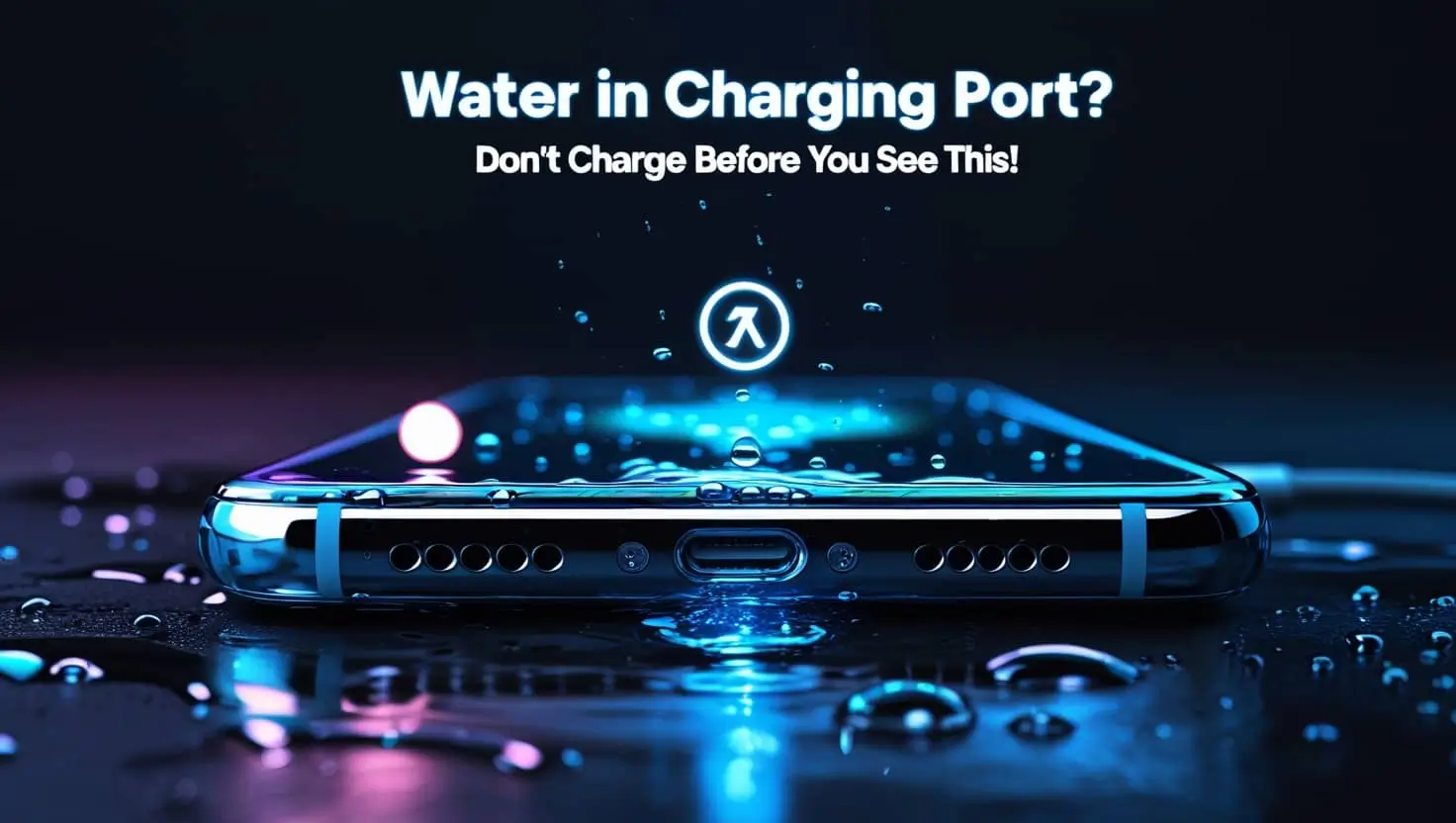
How to Get Water Out of Your Phone’s Charging Port Safely
Most people do not imagine how easy it is to have water in the charging port of a phone. Rain, spillage of milk, or dropping it down can allow water to access the port. Humidity at this will be bad luck.
Drying out the port through safe dry mechanisms quickly cannot only prevent long-term damage. All the information you need to know about drying the port, preventing issues in the future, and the solutions to the most frequently asked questions can be found in this guide. So let’s get started without wasting time:
Signs Your Charging Port Has Water
In case you feel that your phone does not charge well, it may contain water in the charging port. Signs include:
- The phone fails to charge well: There can either be partial charging of the device, or charging can just not take place.
- Rattling contact: The end of your charging port rattles, or it takes the cable to charge at weird angles only.
- Moisture warning: iPhones, as well as the latest Androids, would show a moisture detected warning.
- Incompatible accessory: The system may give undesired error codes upon use of a wet port.
- Phone overheating: Overcharging a wet port can result in phone overheating.
Immediate Actions to Take
1. Power Off Your Device
Turn off the cell phone straight away. It can also short-circuit the internal components of the phone when people attempt to charge a wet phone; the damage could be irreversible.
2. Remove the Case and Accessories
Unsnap the case/ protective cover. In some instances, they trap moisture and slow drying. Detach any of the attached peripherals, such as headphones or external drives.
3. Tilt and Shake Gently
Put the phone face down with the charging port down. The easiest is by tapping or shaking it lightly to allow the water to drain out. Do not shake vigorously because this may cause more damage.
Safe Methods to Dry Your Charging Port
1. Blot with a Soft Cloth
- Wipe any moisture on the opening of the port with a microfiber cloth or soft tissue.
- Never insert any metal or sharp object in the port; it will damage the connectors.
2. Use Compressed Air
- Put a can of compressed air vertically.
- Short Sprays in the port.
- Make sure the nozzle is far enough away not to push more moisture further into the phone.
- Shun pressure or constant airflow.
3. Silica Gel Packets
- Wrap your phone in a plastic bag, with 2-3 silica gel packets.
- Leave undisturbed 6-12 hrs or overnight.
- Silica gel is better and safer in comparison with rice, which can leave dust in the port.
4. Air Drying
- Keep the phone in an aerated place.
- Make it dry up normally in a span of 6-12 hours.
- Regarding high temperatures, do not use heat sources like hair dryers, ovens, or microwaves. This heat can distort internal parts.
What Not to Do
- No inserting of pins, needles, or other sharp objects.
- Use of high heat is not desirable as it may permanently kill the battery or internal circuitry.
- Never, or until you are certain that the port is dry, charge the phone.
Tips to Prevent Future Water Damage
- Purchase waterproof cases/ port covers.
- An attempt should be made to avoid liquid substances near your phone.
- Use a soft brush to clean the charging port to prevent buildup.
- Do not charge close to sinks or damp places.
Troubleshooting Common Issues
In case your phone does not charge after drying:
- Confirm that the charger and the adapter are working. Seek cracks or damage.
- Use an alternative charging cable. Insert the phone. In case it has not charged, the port might be damaged.
- When the device fails to charge on both cords, it should be taken to a professional repair shop.
FAQs About Water in Charging Ports
Conclusion
Water in a charging port is never rare but avoidable. There is a solution to that, and that is you can shut down your phone, safely remove the excess water, and dry it using the accepted drying techniques.
It is neither to be worked by sharp instruments nor by high temperatures. In case of inefficiency of drying, refer to specialists. Proper care and prevention will help your equipment remain intact and operational over many years.