
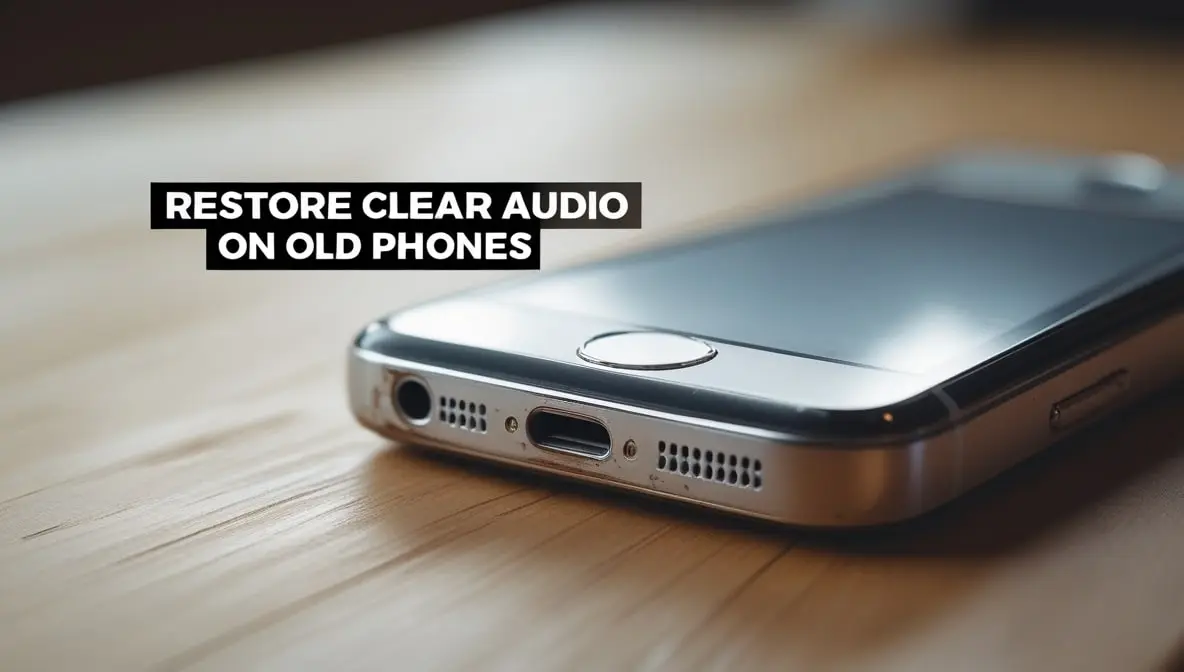
How to Maintain Clear Audio Quality on Old Phones (Complete Practical Guide)
Old phones are survivors. They’ve been dropped, overheated, stuffed in pockets, and probably used with those cheap “temporary” earphones for years. Naturally, their audio quality starts to drop over time — but the good news is that you can still dramatically improve and maintain clear sound if you follow the right steps.
Clean the Speaker Grill the Right Way
Old phones often sound muffled because dust, lint, and moisture become trapped inside the speaker grill.
What you should do:
- Use a soft dry brush (like a camera brush or clean toothbrush) and gently scrub the grill.
- Hold the phone face down while brushing so that debris falls out.
- Use compressed air in short bursts (never blow too close to the grill).
- For stubborn dust, use sticky tack / blue tack:
- Press → lift → press → lift.
- It pulls out trapped dust safely.
Avoid doing this:
- Don’t use needles, pins, or SIM ejectors — they damage the mesh.
- Don’t use wet wipes or alcohol directly on the speaker holes.
- Don’t suck air using your mouth — moisture enters inside.
Why it works:
- A dirty grill blocks sound waves, so even a perfect speaker will feel “broken.”
Remove Hidden Moisture From the Speaker Area
Old phones often develop tiny moisture layers inside the speaker chamber due to humidity or accidental splashes.
Safe method:
- Keep your phone in a dry place for a few hours.
- Use a silica gel box (not rice — rice does more harm than good).
- Use a speaker with water-removal sound only from reputable tools and at a safe volume.
Don’t do this:
- Never heat the phone.
- Never keep it under the sun.
- Never use blow dryers (air pressure damages speaker membranes).
Why it works:
- Moisture drastically reduces clarity and causes distortion.
Check Your Audio Settings (Old Phones Need Manual Tweaks)
Since old phones don’t have fancy AI to fix the sound, just changing a setting or two can make a huge difference.
Try these adjustments:
- Old phone speakers can’t play deep bass clearly, so using Bass Boost mostly just makes the sound crackle.
- A good trick is to boost the mids and highs slightly.
- Disable any sound enhancement apps that overload the speaker.
- Turn off Volume Limiter, if enabled.
If your phone has these options:
- Enable Mono Audio if your speaker is partially damaged.
- Turn on Noise Clean-up or Clear Voice modes.
Why it works:
- Aging speakers handle mids/highs better than lows. So tuning helps clarity instantly.
Check Your Phone Case — It Might Be Blocking Audio
A lot of old phones sound bad simply because of badly fitting cases.
Remove the case and test the speaker:
- If sound becomes clearer → your case is the problem.
Choose a case with:
- Proper grill cutouts
- No dust mesh
- No rubber covers the speaker holes
- No thick bumper around the bottom
Avoid:
- Waterproof cases (they kill audio clarity)
- Cheap rubber cases (they vibrate and distort sound)
Why it works:
Case vibration = dramatic sound quality loss.
Update or Reset Audio Drivers (Very Underrated Step)
Old phones often develop corrupted sound profiles after years of updates.
Try this:
- Restart your phone (simple but fixes 30% issues).
- Clear Audio / Media Storage cache.
- Update to the latest OS the phone supports.
- If nothing works → reset only network and sound settings (not a full factory reset).
Why it works:
- This resets your sound and clears out any bad settings.
Try Using Better Quality Music & Videos
Sometimes the problem isn’t your phone’s speaker, it’s the file you’re playing. Old phones have a hard time making low-quality files sound good.
The usual suspects:
- Low-quality music files
- Poorly made videos
- Voice messages from apps like WhatsApp (they’re very compressed)
Quick test:
Before you decide your speaker is broken, try playing:
- A high-quality video from YouTube
- A good music file (look for “320kbps”)
- Any clean, full-quality song
- If these sound fine → your original file was the problem.
Don’t Crank the Volume All the Way Up
Blasting an old speaker at 100% volume will make it sound crackly and can even break it over time.
A good rule of thumb:
- For normal listening: Keep it between 60% and 80%.
- When you really need it: 90% is the absolute max.
Here’s why:
Max volume creates a lot of heat and vibration that the small, old speaker can’t handle. This stretches and wears out the parts inside, causing that fuzzy, distorted sound, and can lead to permanent damage.
Keep Your Charging Port Clean
If debris gets inside the charging port, you’ll experience:
- weak audio output
- Headphones not detected properly
- audio routing problems
Clean it using:
- a wooden toothpick
- a soft brush
- short bursts of compressed air
Why it works:
- A dirty port confuses the phone into thinking headphones are plugged in → no sound.
Try a Different Music or Video App
Some apps make the sound quality worse to save data.
For the best sound, try:
- Playing music you’ve downloaded to your phone.
- Watching videos on YouTube in HD.
- Using Spotify and turning on “High Quality” streaming in its settings.
A quick warning:
Avoid those “volume booster” apps from unknown developers. They often just distort the sound and can actually harm your speakers over time.
Protect Your Old Phone From Further Damage
As phones get older, they can act a little more sensitively.
Follow these habits:
- Don’t use the phone while charging (heat damages the audio IC).
- Avoid long calls on the loudspeaker.
- Don’t play bass-heavy music full blast.
- Always keep the phone dry.
- Store the phone in a clean pocket — lint accumulates fast.
Final Thoughts
Old phones can still deliver surprisingly clean audio if you maintain them properly. Most issues come from:
- dust
- moisture
- bad cases
- wrong audio settings
- aging hardware
- dirty ports
By following the steps above, you’re not just improving your current sound quality — you’re also extending the life of your phone’s speaker.