
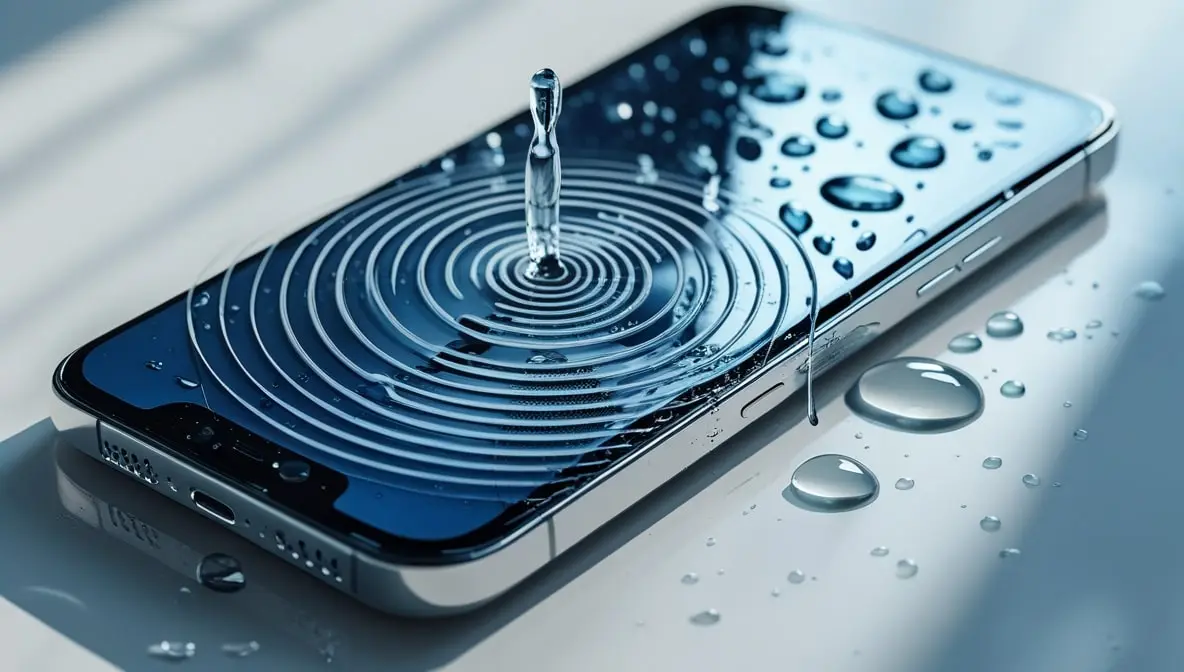
Safe Way to Play Sound to Remove Water from Speaker (Complete Guide)
If your phone or Bluetooth speaker accidentally got wet, don’t panic. It happens to all of us — maybe you were caught in the rain, dropped it near the pool, or had a water spill on your desk. The good news is that your speaker can often be saved without opening it or rushing to a repair shop. The trick lies in using sound frequencies safely to push the trapped water out — but doing it wrong can cause damage.
In this guide, we’ll go through the safe, step-by-step way to play sound to remove water from your speaker, how it works, what to avoid, and some proven methods (including one-click tools) that make the process both easy and risk-free.
Why Water Gets Trapped Inside Your Speaker
When water enters the speaker grill, it doesn’t just sit there — it seeps into the mesh and tiny air chambers around the diaphragm (the vibrating part that produces sound).
This creates muffled, distorted, or crackling audio because the speaker cone can’t vibrate freely.
In some cases, droplets also affect the magnetic coil or the membrane, which changes the air pressure inside. That’s where special sound waves — usually low-frequency vibration sounds — come in handy.
They use a quick burst of air to blow any water out of the speaker.
How Sound Waves Help Eject Water
That sound isn’t magic, it’s just science. Playing a low, rumbling sound makes the speaker vibrate really fast to shake the water out.
This vibration generates mini air pulses that dislodge water droplets and push them out of the mesh.
That’s the same principle behind the “Water Eject” feature on smartwatches or the Speaker Cleaner tools available online.
But here’s the catch:
If you play the wrong frequencies or at too high volume, you can damage your speaker coil or rip the diaphragm — that’s why the method must be done safely and gradually.
Things You Should Know Before Playing Any Sound
Before you start blasting any “water eject” audio you find online, take a moment to prep your device. Doing this keeps you safe and makes sure the trick actually works.
Turn Off and Dry the Outer Surface First
Dry it off with a soft cloth or tissue, and make sure you don’t see any more water droplets.
Avoid Charging
Hold off on charging until it’s completely dry. Water and electricity don’t mix and can wreck your stuff.
Don’t Shake It Hard
Many people think shaking or blowing hard into the speaker helps — it actually pushes water deeper.
Use Only Safe Sound Frequencies (150Hz–330Hz)
This range is powerful enough to push air pressure but still gentle on your speaker coil. Avoid random “bass boost” videos that claim to remove water — many use unsafe frequencies above 1kHz or too loud amplitudes.
Safe Way to Play Sound to Remove Water from Speaker
Here’s the exact step-by-step safe method you can follow:
Step 1: Visit a Trusted Water Eject Sound Tool
If you don’t want to risk experimenting, simply use an online tool designed for this purpose, such as the Speaker Cleaner Tool available at my-speakercleaner.com.
This tool automatically plays safe frequencies between 165Hz and 330Hz — the same range used by Apple’s Watch Water Eject feature — but optimized for phone and Bluetooth speakers.
Step 2: Set Your Volume to 60–70% (Not Max)
Start at 60% volume. Only turn it up if it sounds clear. Don’t use full volume—you could damage the speaker.
Step 3: Play the Water Eject Sound for 30–60 Seconds
Just let the speaker face down and let gravity do its thing. If you notice a fine mist, you’ll know it’s working!
Step 4: Repeat if Needed
Still sounds off? Give it another go. It usually takes a couple of tries to fix it.
Step 5: Air dry for 1-2 hours
Let your phone chill in a dry place. Near a fan is great, just not in direct sunlight.
What Not to Do (Common Mistakes to Avoid)
These are the mistakes that cause permanent damage to speakers:
- Don’t use heat sources — hair dryers or heaters can melt internal seals or deform the speaker membrane.
- Don’t play extremely low “sub-bass” tones (below 100Hz) — they can over-exert the coil.
- Don’t use random YouTube “bass tests” — most are untested and not designed for safe water removal.
- Don’t charge or power on devices if they were submerged. Don’t use them again until they’re completely dry.
Pro Tips to Keep Your Speaker Safe in the Future
- Protect your device with a waterproof case around water.
- Don’t keep speakers near bathroom sinks or kitchen counters.
- Run a quick speaker test every few weeks using a tool like Speaker Sound Test (to check for distortion or low volume).
- Always store your Bluetooth speaker in a dry pouch after use.
The Science Behind Speaker Cleaner Tools
The best apps work by playing a sound that quickly changes pitch. This helps shake loose different sizes of water droplets.
Different sounds work on different water drops. A low, rumbling sound pushes out the big drops, and a higher-pitched sound gets the tiny ones.
That’s why the best method is a sound that smoothly moves from a low rumble to a higher pitch. It’s like it’s checking for all sizes of water drops at once.
This is exactly how the built-in water removal on those devices works.
When to Seek Professional Help
If your speaker still sounds funny after trying to dry it out a few times, it might mean:
- Water has reached internal components beyond the speaker grill.
- The coil or diaphragm is partially damaged.
- There’s corrosion on the contact pads or audio IC.
In such cases, visit a certified technician or service center instead of pushing the speaker further — sometimes overdoing sound vibration can worsen existing damage.
Final Thoughts
Getting water out of your speaker with sound is a cool trick that actually works! It’s not magic—it’s just science doing its thing.
The key is to be safe about it. Use the right sound and give your device time to dry completely.
Next time your speaker gets wet, don’t panic. Skip the rice and don’t blow on it. Just use an app that plays a sound to push the water out.
It’s the simplest fix—no tools, no opening up your device, and no risk of breaking it.